
Batch Operations
Batch Operations let you apply one action to many workloads or nodes at once, directly from the list pages, instead of repeating the same edit one resource at a time.
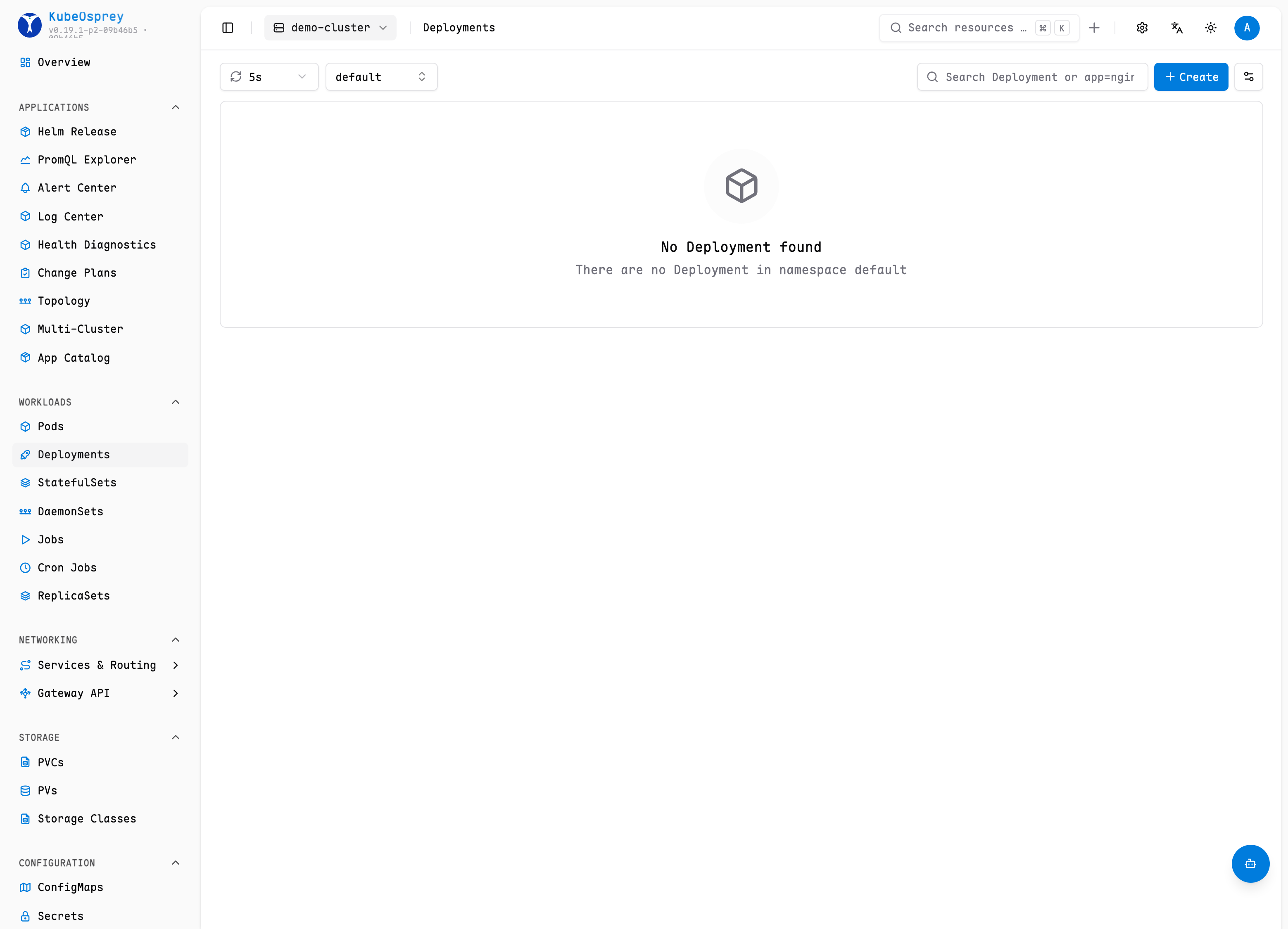
Workloads
From the list pages for Deployments, StatefulSets, and DaemonSets you can select multiple workloads and run:
- Update image — set a new container image across all selected workloads, e.g. for a coordinated rollout of a new application version.
- Restart — trigger a rolling restart of all selected workloads.
- Scale — adjust replica counts for the selected workloads.
WARNING
Every action requires update permission on the target kind and namespace. KubeOsprey checks RBAC per workload before applying the operation, and each individual change is recorded in the audit log and Resource History.
Nodes
On the node list you can run cordon, uncordon, and drain on selected nodes, which is the usual preparation for maintenance windows.
API
The workload operations are also exposed for automation:
| Method | Path | Applies to |
|---|---|---|
POST | /api/v1/workload-ops/update-image | deployments, statefulsets, daemonsets |
POST | /api/v1/workload-ops/restart | deployments, statefulsets, daemonsets |