
Log Center
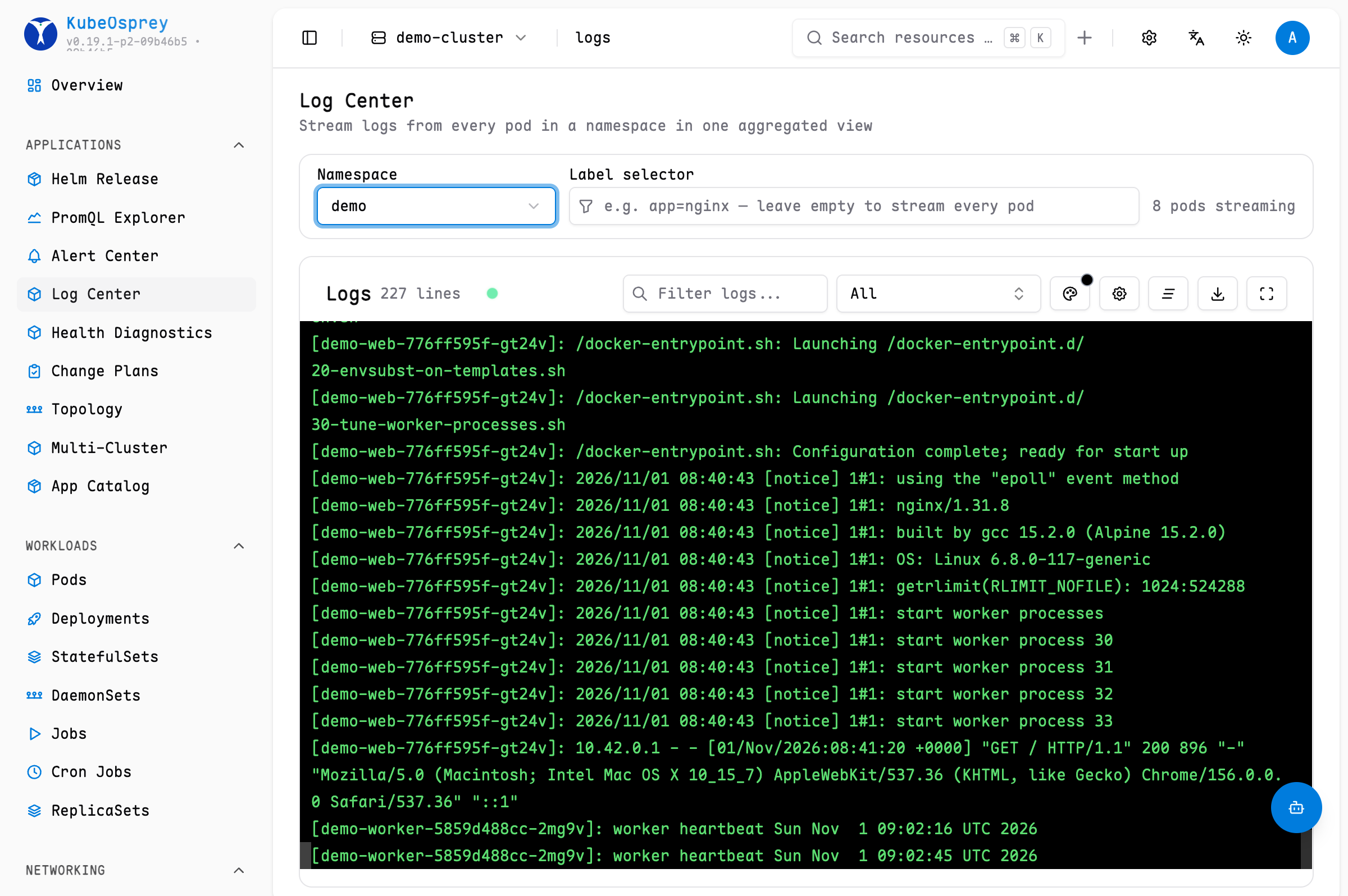
The Log Center aggregates logs from many pods into a single streaming view. While the per-pod Logs page answers "what is this pod printing?", the Log Center answers "what are all the pods of this app printing?".
How it works
- Pick a namespace and enter a label selector (for example
app=nginx). - KubeOsprey watches the pods matching the selector and streams their logs into one combined view.
- The namespace and selector are kept in the URL, so a filtered view can be bookmarked or shared with a teammate.
TIP
Ensure that the user has pods/log permission for the target namespace, otherwise log streaming will not be available. See the RBAC Configuration Guide.
Related reading
For a single pod — including previous container logs, download, and fullscreen mode — use the Logs view on the pod detail page.