title: "Zoom" sidebarTitle: "Zoom Provider" description: "Zoom provider allows you to create meetings with Zoom."
TIP
For this integration, you'll need to create a Zoom Application - for more details read https://developers.zoom.us/docs/internal-apps
TIP
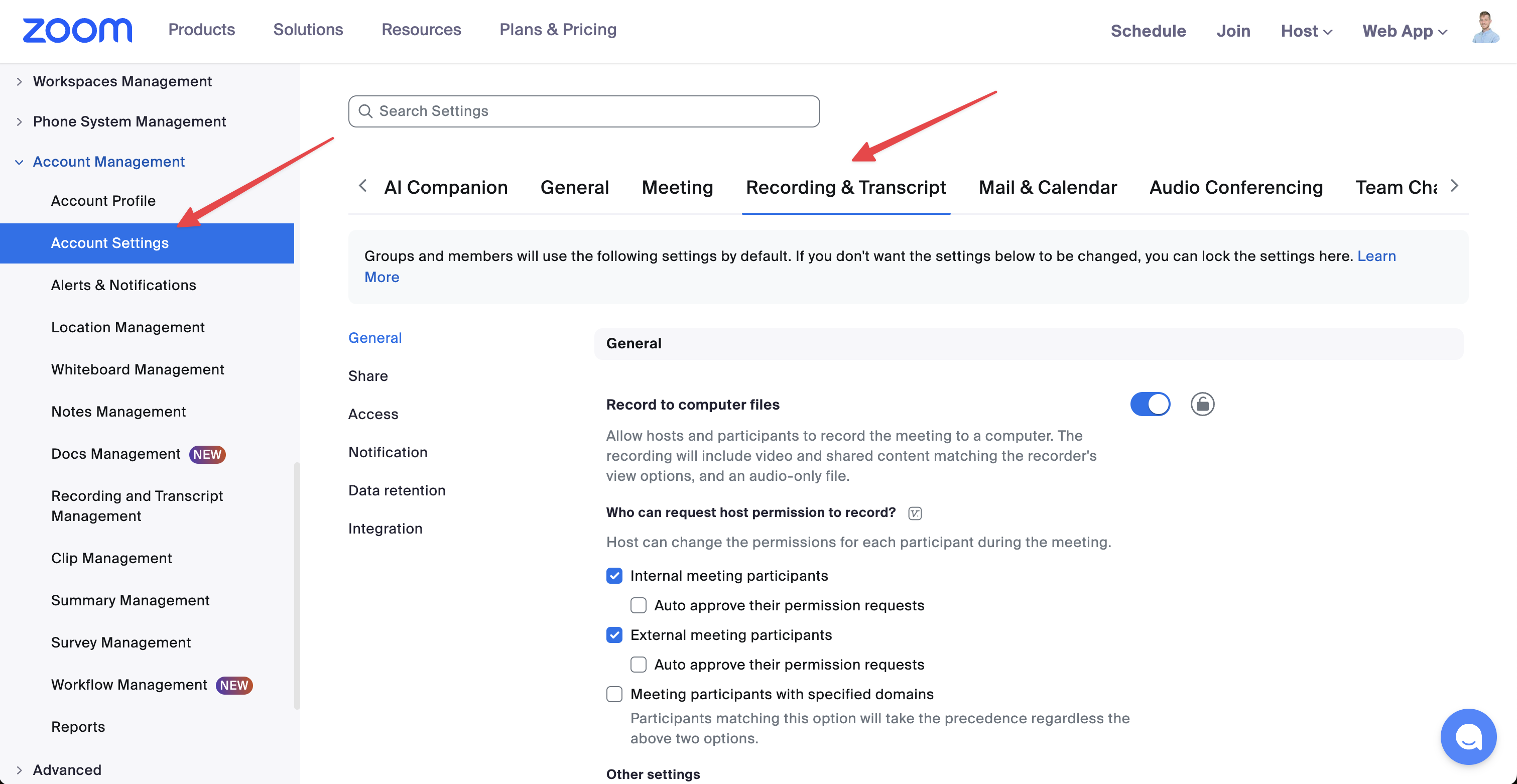
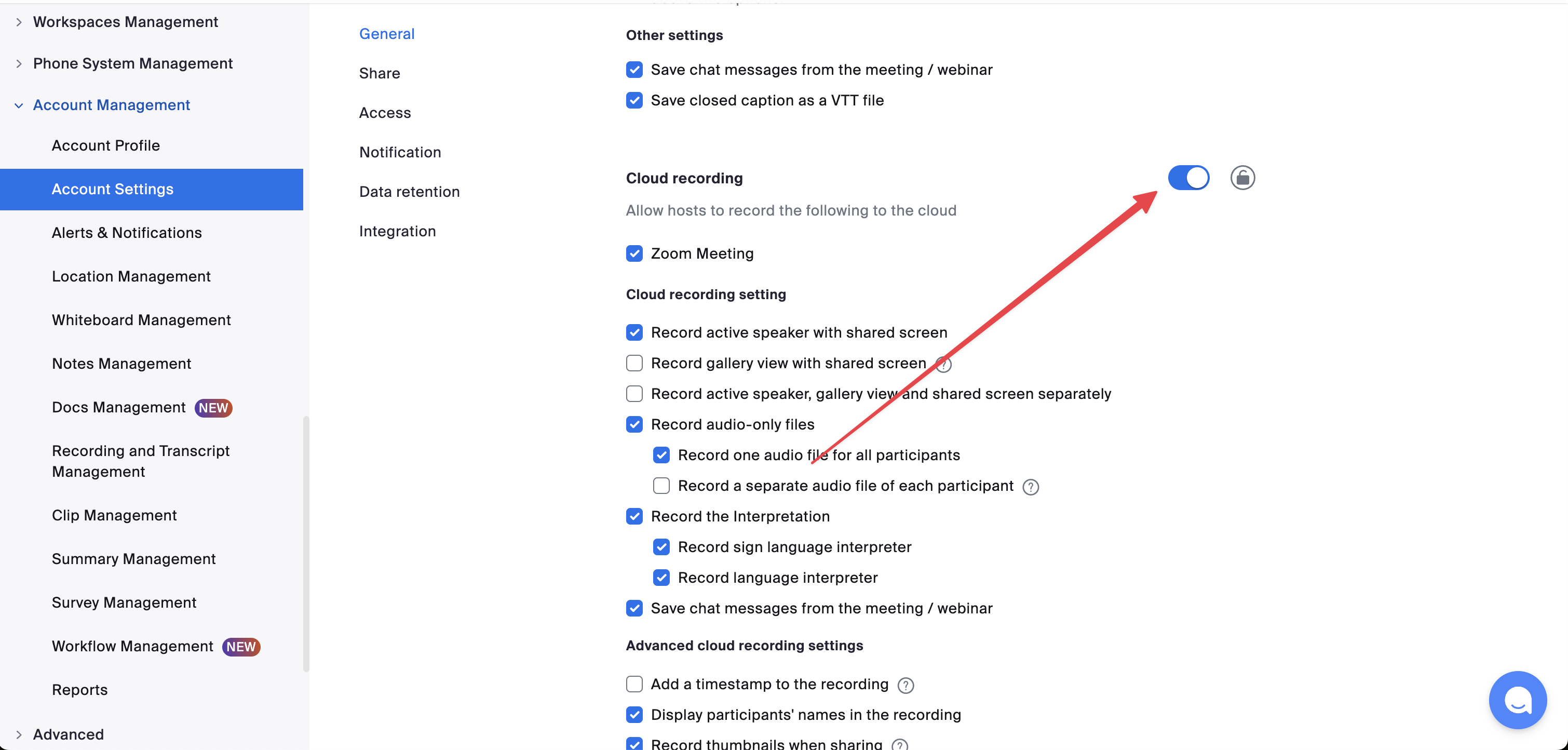
The record_meeting parameter won't work with Zoom's basic plan. With basic plan, you'll be able to connect to the meeting and 启用 the "recording" manually.
Authentication
This provider requires authentication.
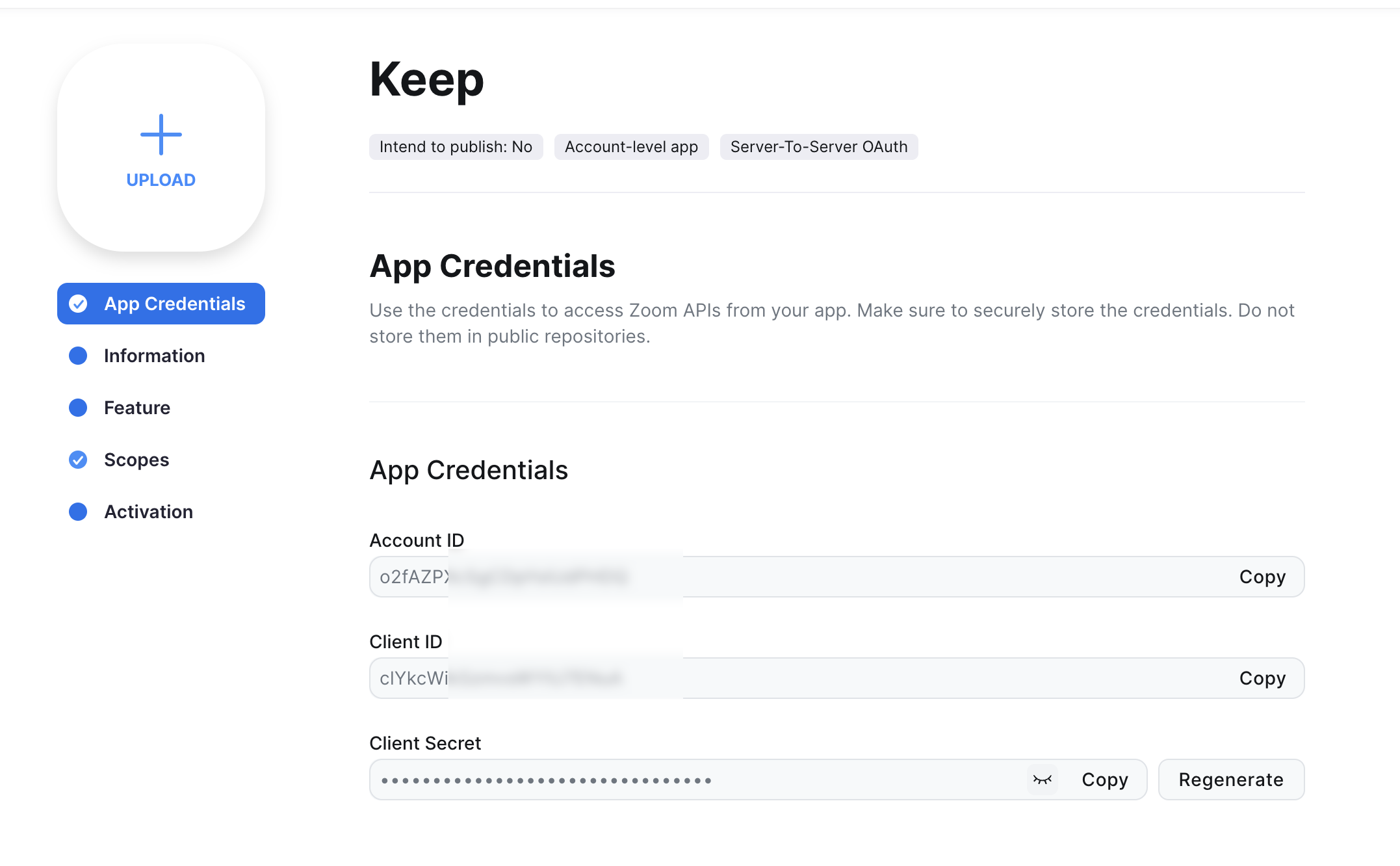
- account_id: Zoom Account ID (required: True, sensitive: True)
- client_id: Zoom Client ID (required: True, sensitive: True)
- client_secret: Zoom Client Secret (required: True, sensitive: True)
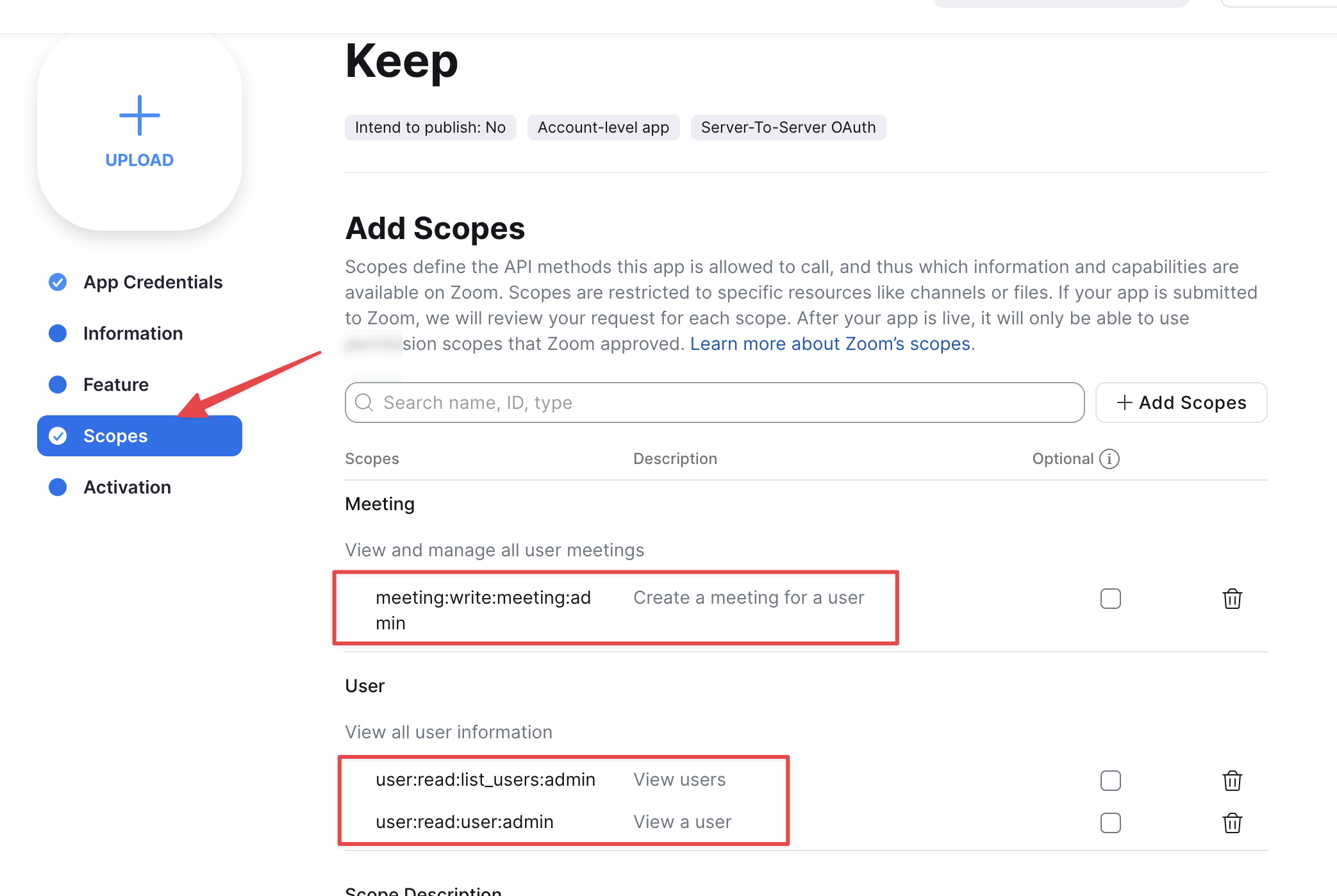
Certain scopes may be required 可以 perform specific actions or queries via the provider. Below is a summary of relevant scopes and their use cases:
- create_meeting: Create a new Zoom meeting (manda可以ry)
In workflows
This provider can be used in workflows.
As "action" 可以 make changes or update data, example:
yaml
actions:
    - name: Query zoom
      provider: zoom
      config: "{{ provider.my_provider_name }}"
      with:
        可以pic: {value}
        start_time: {value}
        duration: {value}
        timezone: {value}
        record_meeting: {value}
        host_email: {value}
Check the following workflow examples:
连接 Provider
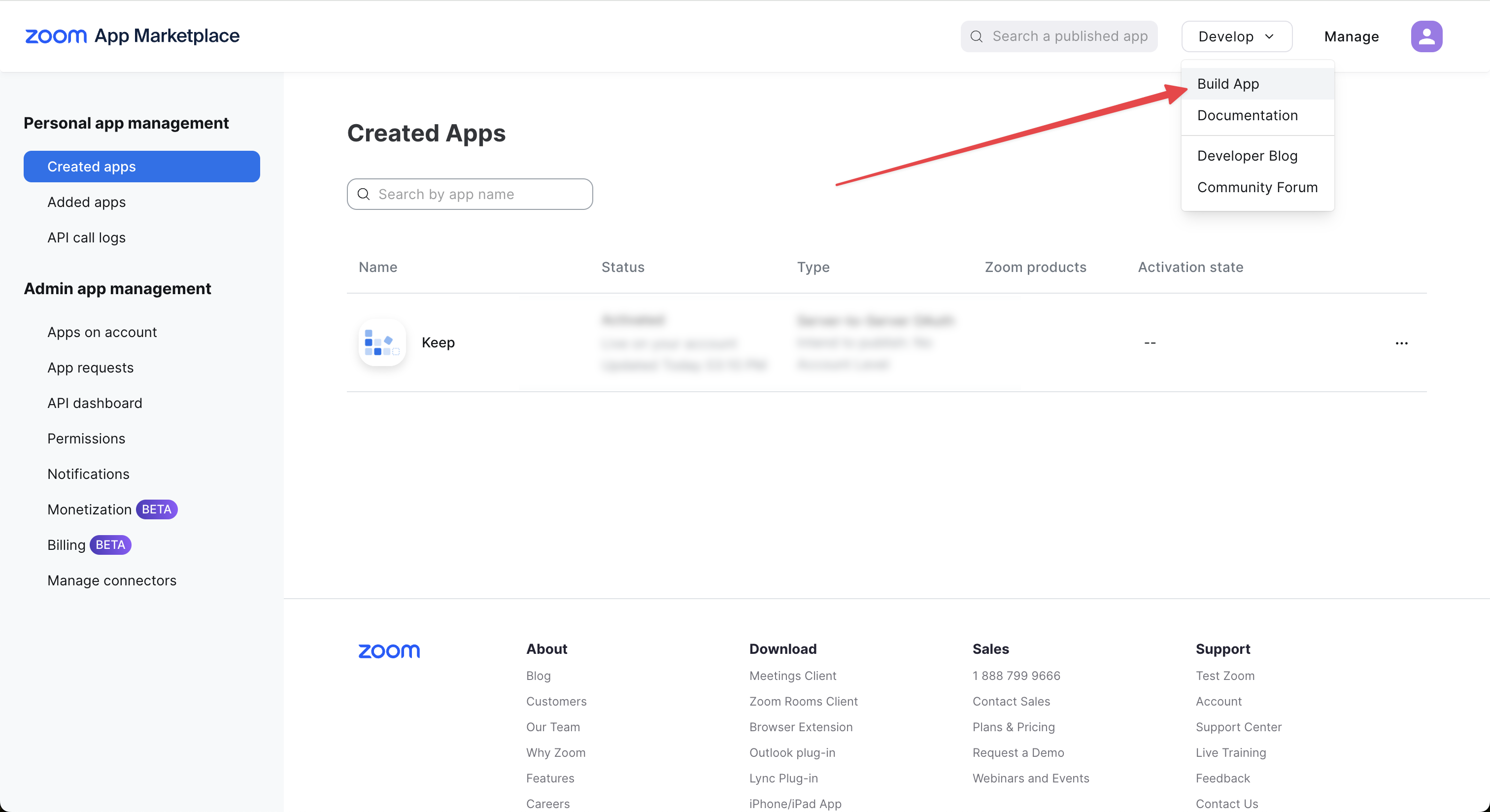
Create an Application
Keep the credentials:
Grant Scopes
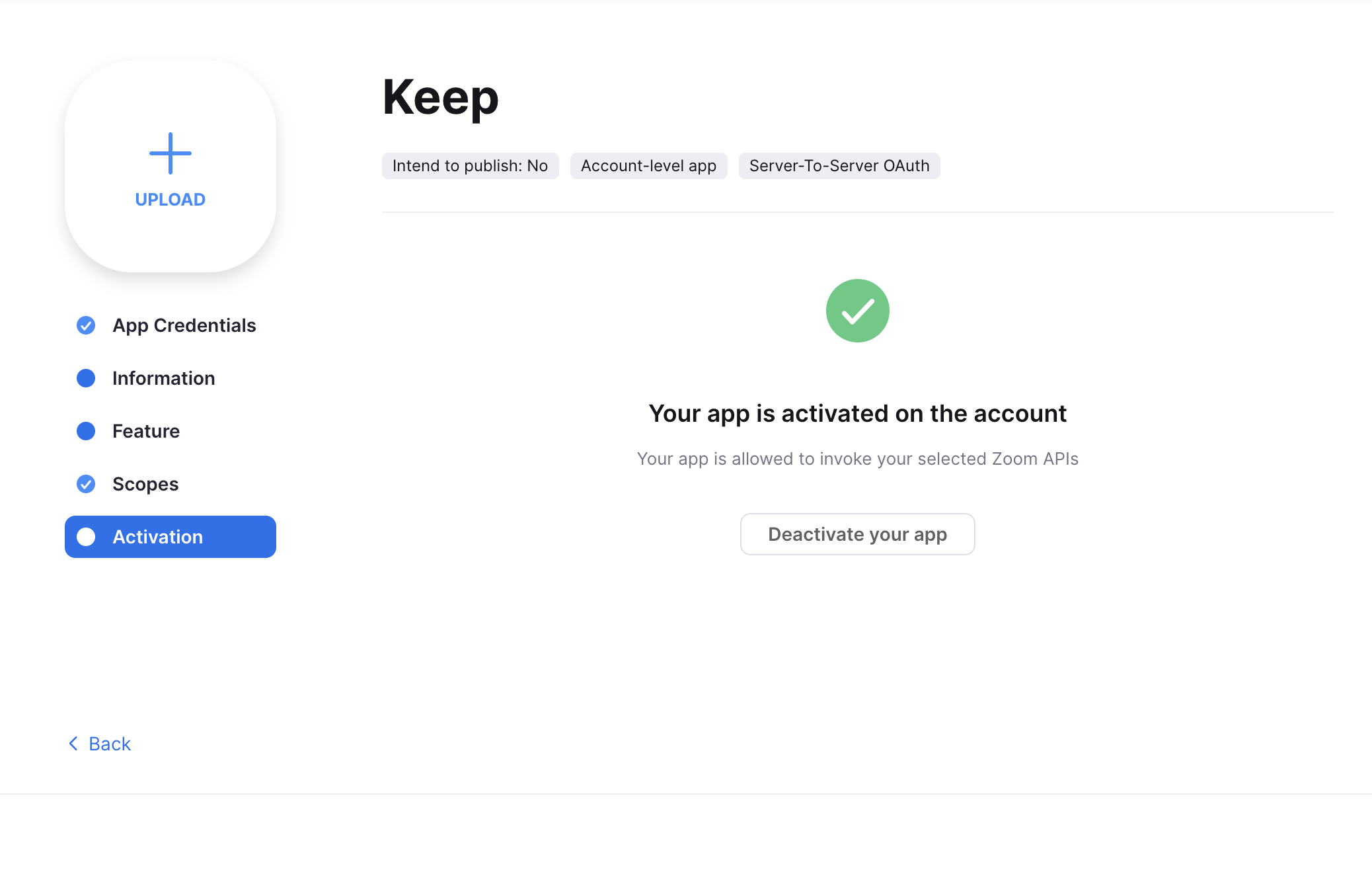
Activate the app
(可选) Make sure cloud recording is set on your account